03The GolfBod guide
The golf calendar
Rounds, competitions, and seasons — and how the workouts around them adjust.
Event types
The calendar takes four kinds of golf: rounds (a normal 18 or 9), competitions (the ones you care about), practice (range and short-game days), and speed training (overspeed or swing-speed work, which is a real training stress and gets treated like one).
What the calendar changes
- Around a competition, the day before and the day after back off, so you arrive fresh instead of sore.
- When you play, the workouts the day before and the day of go lighter: a Saturday round makes Friday's session easier.
- After you play, GolfBod cues a recovery-focused mobility session built for that day (see the Mobility chapter).
- When plans change — an event added, moved, or removed — the affected training days adjust. You can set whether GolfBod asks first or just handles it, in Settings.
How adjustments show up
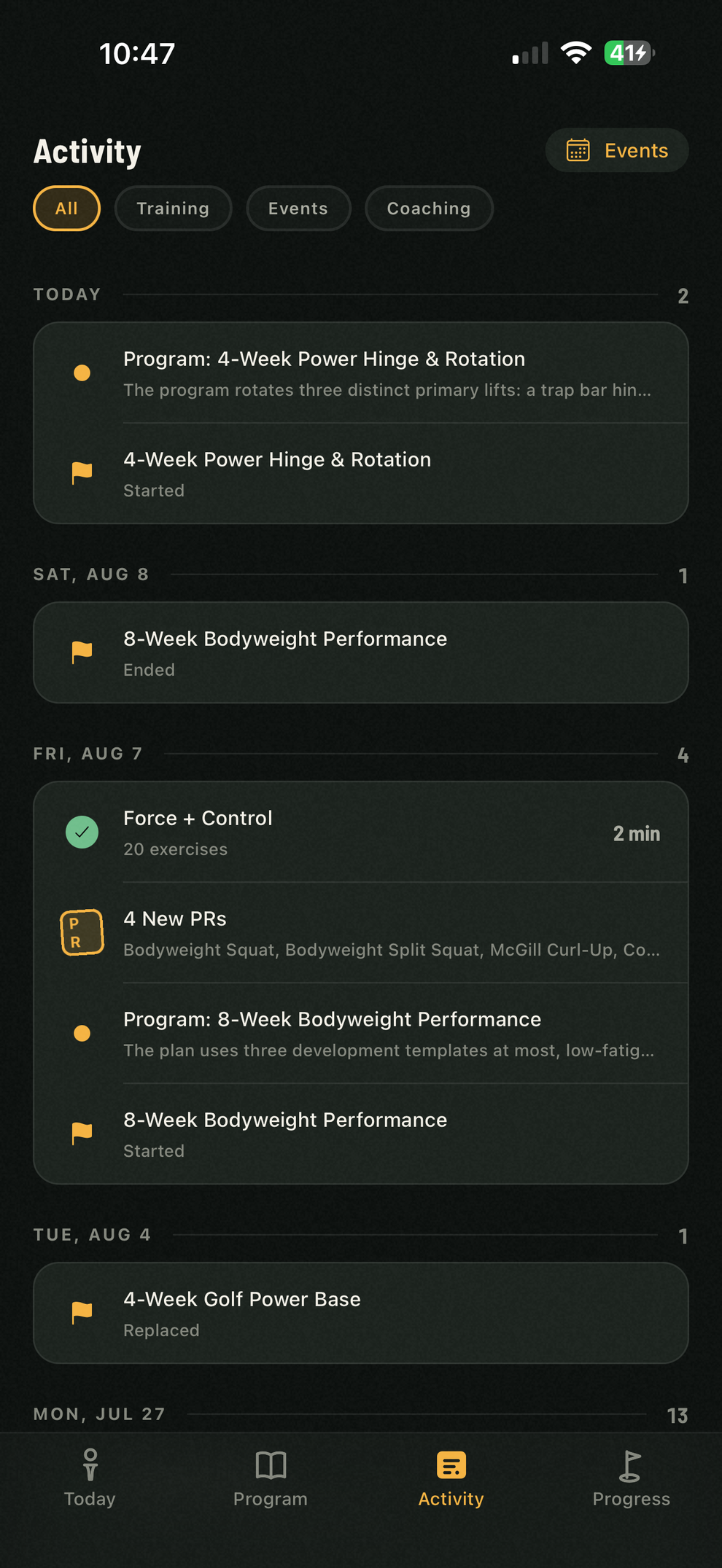
Nothing changes silently. Every calendar-driven adjustment is posted to your Activity feed as a coaching update — what changed, on which day, and why — so the program never surprises you.